
Developed, the app that makes you wait
Apple has approved Developed, and it’s free, on the iPhone. It’s a disposable camera. Twelve shots on a roll, a plastic thumb wheel to wind on between them, a flash that whines while it charges, and a small scratched viewfinder that shows you the world rather than the photo you just took. Then you send the roll to the lab and wait a week to see what you got. At least one frame on every full roll comes back ruined.
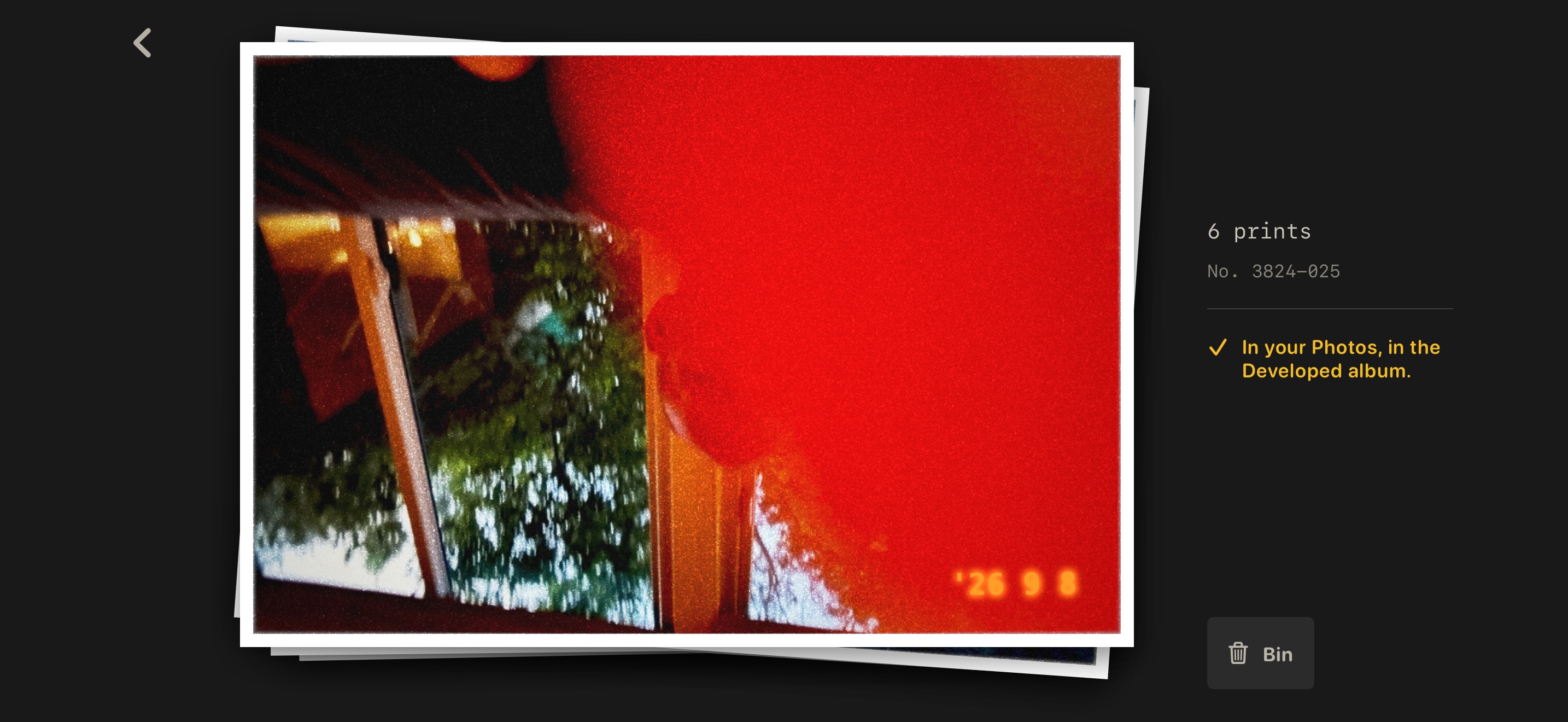
The prints, back from the lab. The top one had a light leak. Click for the full-size version.
Call it app 3/n in the series, after Corpospeak and Brushwise.
The wait is the point
Every disposable camera app on the shelf makes the same offer: the look of film, without the inconvenience. Grain and a light leak as a filter, applied to a photo you can already see, with a “develop” button that takes a few seconds and a pro tier that takes the wait away entirely.
I wanted the inconvenience. The wait is what made a disposable camera worth using. You can’t judge a photo you haven’t seen, so you stop judging, and a week later the prints turn up as a surprise rather than a review.
So sending the roll off empties the camera. One to three days later, at some point during shop hours, the lab logs the film in and posts a fresh roll back, and loading that roll is the only way to get more film. The prints take five to ten days. You are not told which day. A ticket sits in the empty camera with the receipt number and the date the film went in, and you get a notification when the envelope is back. Nothing in the app opens it early.
Some of them will be bad
Each frame rolls its fate the moment the shutter fires: 3% a light leak, 4% underexposed, 4% blurred, 2% fogged, 1% blank. About one in seven, all told. When you hand the roll in, the lab settles the count, so a full roll of twelve always loses at least one frame and never more than three.
The lab bakes the damage into the print and destroys the negative. There is no undo, no clean copy kept somewhere, and no button that gives it back. The damage isn’t a look applied on top of a good photo. It’s what the camera and the lab did to the photo, and the app doesn’t know how to do better.
Every print is 400-speed colour, with the grain, the warm cast, the soft corners and an orange date stamp in the bottom right. None of it comes off.
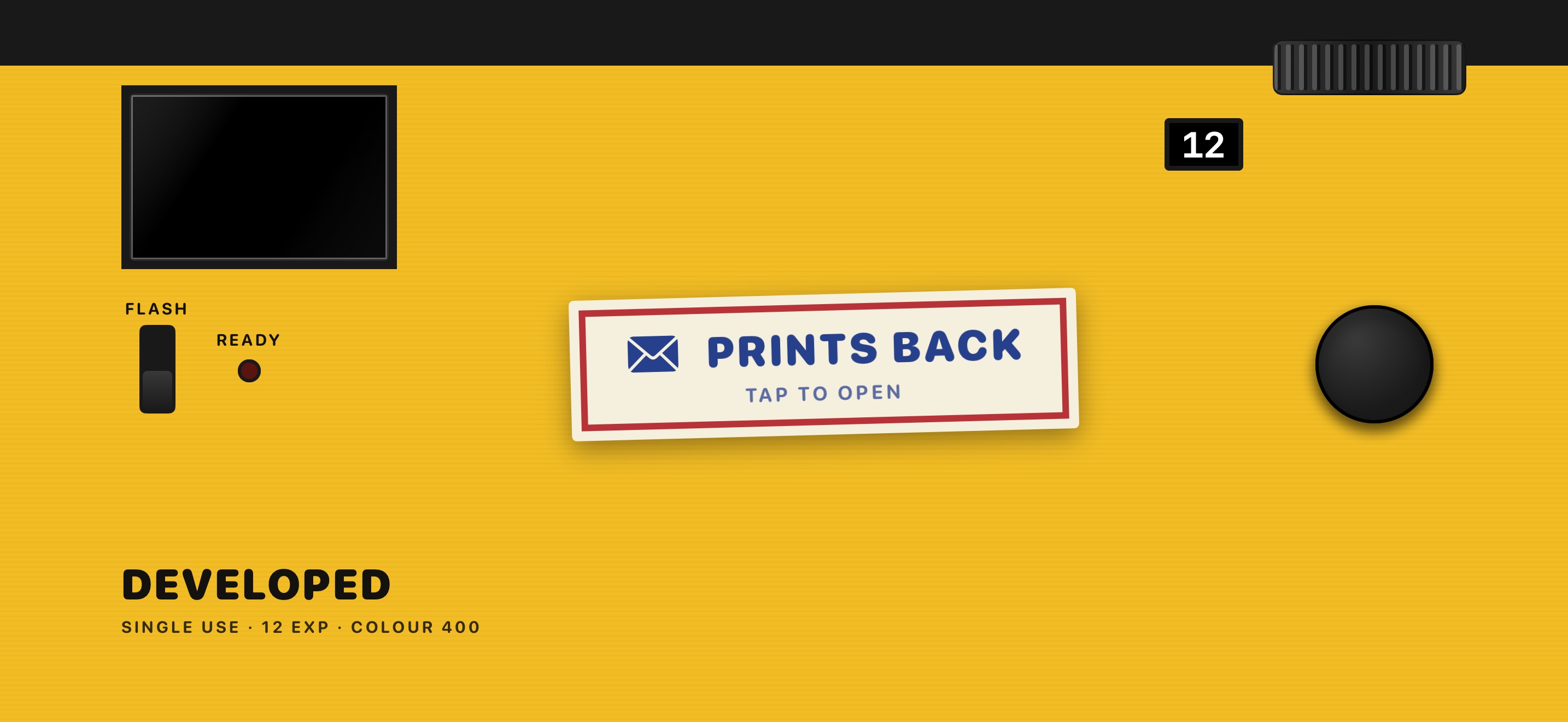
The whole app is the back of the camera. The sticker means the envelope is waiting. Click for the full-size version.
What it won’t do
Every feature had to answer one question: what did the disposable camera do here? When the answer was “nothing”, the feature was a no, and the list of those is longer than the list of features.
It won’t show you a shot after you’ve taken it. No thumbnail, no preview, no count of how many came out. It won’t give you a ruined frame back, at any price. It won’t zoom, focus, filter or retouch. Flash on or off is the whole of the controls. It won’t take the date stamp off, or the grain, or the leak. It won’t give you a fresh roll while one is half shot, and it won’t keep a shelf of old rolls. There’s no front camera, because the lens pointed one way.
The screen never rotates. The camera is landscape, like the real thing. Turn the phone on its side to take an upright photo, the way you would turn a camera, and the print comes out upright.
And it won’t sell you anything. No purchases, no subscription, no tip jar, no faster lab. Free forever, for everyone, in exactly the same way. Not free for now.
What’s in it
Open the envelope and the prints and the negatives go into a “Developed” album in Photos. That’s where they live from then on. The negatives come as one picture of the roll cut into strips of six, inverted through the orange mask, with the frame numbers along the edge.
No account, no ads, no analytics, and no network connection at all. The app has no server, so nothing you take can reach me. If you have iCloud Photos on, Apple syncs the album like the rest of your library. Those are your settings, and the app has no say in them.
If you want a camera that gets it right every time, the one that came with the phone is very good. This one is for the other thing. Go and take twelve photos you can’t look at.
Developed is free on the App Store. iPhone only, landscape only. The privacy policy and support page are here on the site.
Co-authored by Claude. Claude wrote the app’s code and helped write this post from the project’s own notes. The arguments, the judgements and the mistakes are mine.